


You don’t need a cinema camera to make reels that look professional. Most of the reels you admire were shot on phones. What separates them from amateur videos isn’t the device; it’s light, stability, sound, framing and editing. This guide explains how to shoot pro-looking reels on your phone, with tips tailored to shooting in Vrindavan, Mathura and other busy Braj locations. Learning how to shoot reels on phone properly saves money and lets you post more often.
Quick answer: To learn how to shoot reels on phone like a pro, use natural light, keep the phone steady, record clean sound, frame your subject well and keep each shot short.
Table of Contents
1. Set Up Your Phone Properly
- Clean the lens. A smudged lens is the most common reason for hazy footage.
- Shoot in 4K or 1080p at 30fps for normal footage; use 60fps if you want smooth slow motion.
- Lock focus and exposure by tapping and holding on your subject, so brightness doesn’t jump around.
- Use the main camera rather than the front selfie camera when possible; it’s usually higher quality.
- Turn on grid lines to help with framing.
- Free up storage before a shoot day.
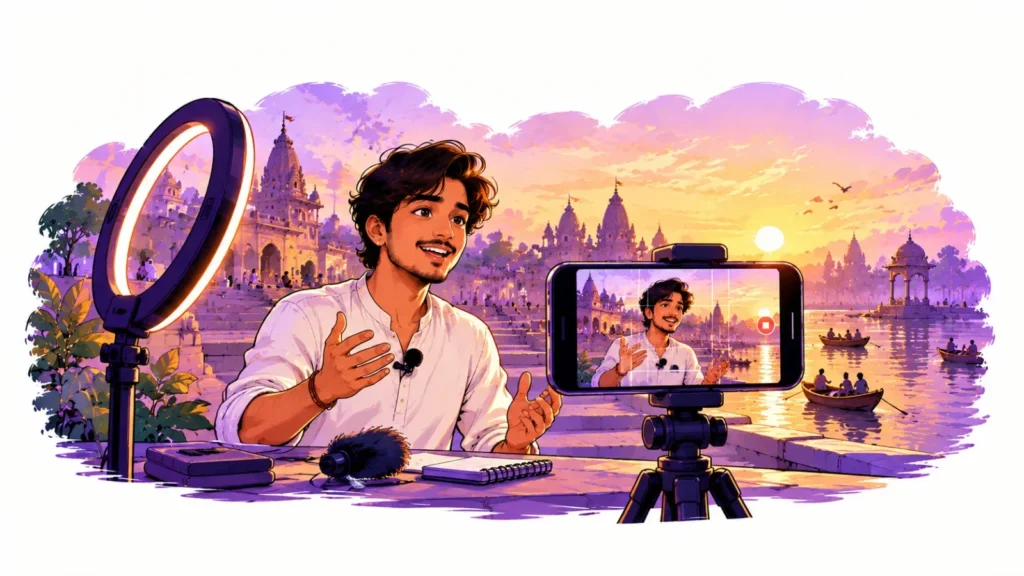
2. Light Is Everything
Good light makes cheap phones look expensive. Bad light makes expensive phones look cheap.
- Face the light source. Put your subject facing a window or open sky, not with the light behind them.
- Use golden hours. Early morning and late afternoon light in Vrindavan is soft and warm, perfect for ghats, lanes and temples (where filming is permitted).
- Avoid harsh noon sun. If you must shoot at midday, find open shade.
- Indoors, a simple LED panel or ring light placed at an angle beats overhead tube lights.
- Evening aarti and diyas: lower exposure slightly so flames don’t blow out, and keep the phone very steady.
3. Keep It Steady
- Use a small tripod for talking-head videos and product shots.
- For walking shots, hold the phone with both hands, elbows tucked in, and walk heel-to-toe.
- A gimbal helps for smooth moving shots through lanes and markets.
- Turn on your phone’s stabilisation or “action” mode if available.
4. Sound Matters More Than You Think
Viewers forgive average video but not bad audio. Vrindavan is full of beautiful sounds, bells, kirtan, birds, but also traffic and crowds.
- Use a clip-on wireless mic for talking videos.
- Record voiceovers in a quiet room with soft furnishings to reduce echo.
- Capture natural sound separately: a few seconds of bells or aarti can transform an edit.
- Check audio with earphones before leaving the location.
5. Frame Like a Pro
- Shoot vertical (9:16) for reels and Shorts.
- Keep key action in the centre so captions and buttons don’t cover it.
- Use the rule of thirds for people and products.
- Vary your shots: wide (location), medium (person), close-up (details like hands making pedas or embroidery).
- Get B-roll: 5 to 10 seconds of extra footage of surroundings and details to cover cuts.
6. Plan Before You Shoot
A simple shot list saves hours. Write down the hook, the 4 to 6 shots you need and the ending. Know your hook before filming; our list of 30 reel hooks helps. For location ideas, see brand shoot locations in Vrindavan.
7. Edit for Attention
- Cut the first second of every clip. Start with action.
- Add on-screen text for the hook and key points, since many people watch without sound.
- Use captions in clear, readable fonts.
- Keep pace: change shots every 1 to 3 seconds for energetic reels, slower for devotional or calm content.
- Colour correct lightly: fix brightness and white balance; avoid heavy filters.
- Export in high quality and upload over Wi-Fi.
Phone apps like CapCut, VN and InShot are enough for most reels. Use licensed or original music; see our guide on trending audio.
8. Shooting in Crowded Braj Locations
- Shoot early in the morning to avoid crowds.
- Respect temple photography rules and ask permission.
- Get consent before filming people’s faces up close.
- Be mindful of monkeys around Nidhivan and other areas; keep your phone secure.
- Don’t block paths or create crowds while filming.
A Basic Kit Under a Small Budget
- Small tripod with phone holder
- Clip-on wireless microphone
- Small LED light
- Power bank and extra storage
When to Call a Team
Phone shooting works brilliantly for daily content. For brand films, product launches, festival coverage or campaigns, a professional team adds planning, lighting, sound and editing that lift results. Retrix’s content team in Vrindavan handles both: we can shoot for you or train your staff. Read what to expect from the best marketing agency in Vrindavan, or contact us.
Instagram’s creator hub has more tips on editing and posting reels.
FAQs: How to Shoot Reels on Phone
Which phone is best for reels?
Most recent mid-range and flagship phones are good enough. Light, sound and stability matter more than the model.
Should I shoot in 4K?
4K gives flexibility to crop and zoom in editing. If storage is limited, 1080p is fine for reels.
How do I make my reels look less “homemade”?
Use good light, a steady phone, clear audio, varied shots and a tight edit with on-screen text.
Can I film inside temples?
Only where the temple allows it. Many temples restrict filming of the deity; always ask first.