


Your local business website gets visitors, but the phone does not ring. A pilgrim family looking for a guest house near Prem Mandir lands on your page, cannot find a price or a WhatsApp button, and goes back to Google.
The fix is usually not a costly redesign. It is five basics that many sites in Vrindavan and Mathura still miss. Here is what your local business website needs, and how to check it this week.
Table of Contents
Why a local business website has only one job
A local business website is not a brochure. It has one job: turn a stranger into a call, a WhatsApp message or a booking.
Most of your visitors are on a phone. Many are weekend tourists from Delhi/NCR or pilgrims planning a parikrama. They are in a hurry, and they compare three or four options at the same time.
If they cannot tell in a few seconds what you offer, where you are and how to reach you, they leave. Clarity matters more than fancy design.
Still not sure you need a site when you already have Instagram? Read our guide on website vs Instagram first.
5 things every local business website must have
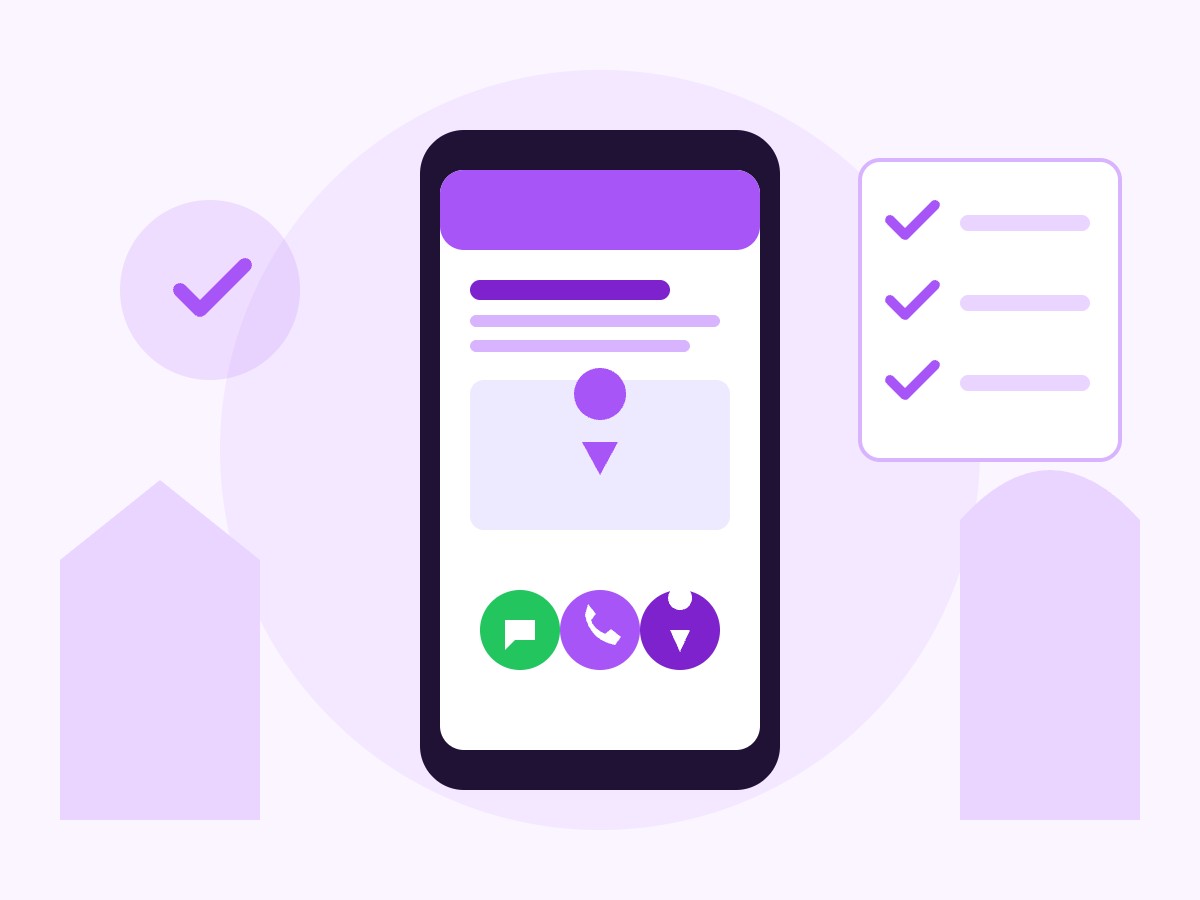
1. A clear first screen
The first screen is what people see before they scroll. It should answer three questions: What do you do? Where are you? How do I contact you?
For example: “Family guest house, 5 minutes walk from Banke Bihari. AC rooms, parking, pure veg kitchen.” Below it, one button: “Check availability on WhatsApp”.
Skip the sliding banners and long welcome notes. One clear line beats a big banner.
2. One-tap WhatsApp, call and map buttons
Your customers are WhatsApp-first. Add a floating WhatsApp button, a tap-to-call button and a Google Map on every page. If you already run festival offers on WhatsApp, our WhatsApp marketing tips will help you use those chats better.
Test each button on your own phone. A WhatsApp link that opens the wrong number, or a map pin dropped two lanes away, quietly costs you enquiries.
3. Real photos and honest details
Show your actual rooms, menu, classrooms or venue. Stock photos (ready-made images bought online) make people suspicious, because they have seen them on other sites.
Add the details people ask about again and again: timings, price range, parking, distance from main temples or the parikrama marg, check-in rules, fees. Every answer on the page is one less question on the phone.
4. Proof that you are a real, local business
Visitors want to know a real business is behind the site. Show your full address, a working phone number, your registration details where relevant, and a link to your Google Business Profile so people can read your reviews.
Keep your name, address and phone number exactly the same on your website and your Google Business Profile. Mismatched details confuse both customers and Google. Our Google Business Profile guide and Google’s own Business Profile help centre explain how to set it up properly.
5. Fast loading on mobile data
Many visitors open your site on patchy mobile data, in crowded lanes or on the highway. If the page takes too long, they give up and call the next option.
Check your homepage with Google’s free PageSpeed Insights tool. Large images, too many plugins and heavy sliders are the usual reasons for a slow local business website.
Mistakes that make a local business website lose trust
- Old festival offers still showing months after the festival.
- Broken links, empty pages or “coming soon” sections.
- Prices on the site that do not match what you quote on the phone.
- A contact form that sends messages to an inbox nobody checks.
- No mention of the area you serve, so Google does not know where to show you.
Each of these tells a visitor that the business may not be active. Fixing them takes hours, not weeks.
A 15-minute local business website check
Open your site on your phone, on mobile data, and go through this small business website checklist:
- Can a visitor tell what you offer and where you are within five seconds?
- Does the WhatsApp button open a chat with the right number?
- Does the call button dial straight away?
- Does the map show your exact location?
- Are the photos recent and real?
- Are timings and prices up to date?
- Does each page have a clear title that says what it is about and which area you serve?
If you want to go deeper on page titles and content, Google’s SEO Starter Guide is a plain-language read.
What to do this week
- Rewrite your first screen with one clear line: what you do, where you are, how to contact you.
- Add or fix the WhatsApp, call and map buttons, and test them on two different phones.
- Replace stock photos with five real photos of your place.
- Run your homepage through PageSpeed Insights and compress any large images.
- Make your name, address and phone number match your Google Business Profile.
Want a second pair of eyes? See how we approach website development in Mathura, or WhatsApp Retrix at +91 70551 42210 for a free review of your website.