

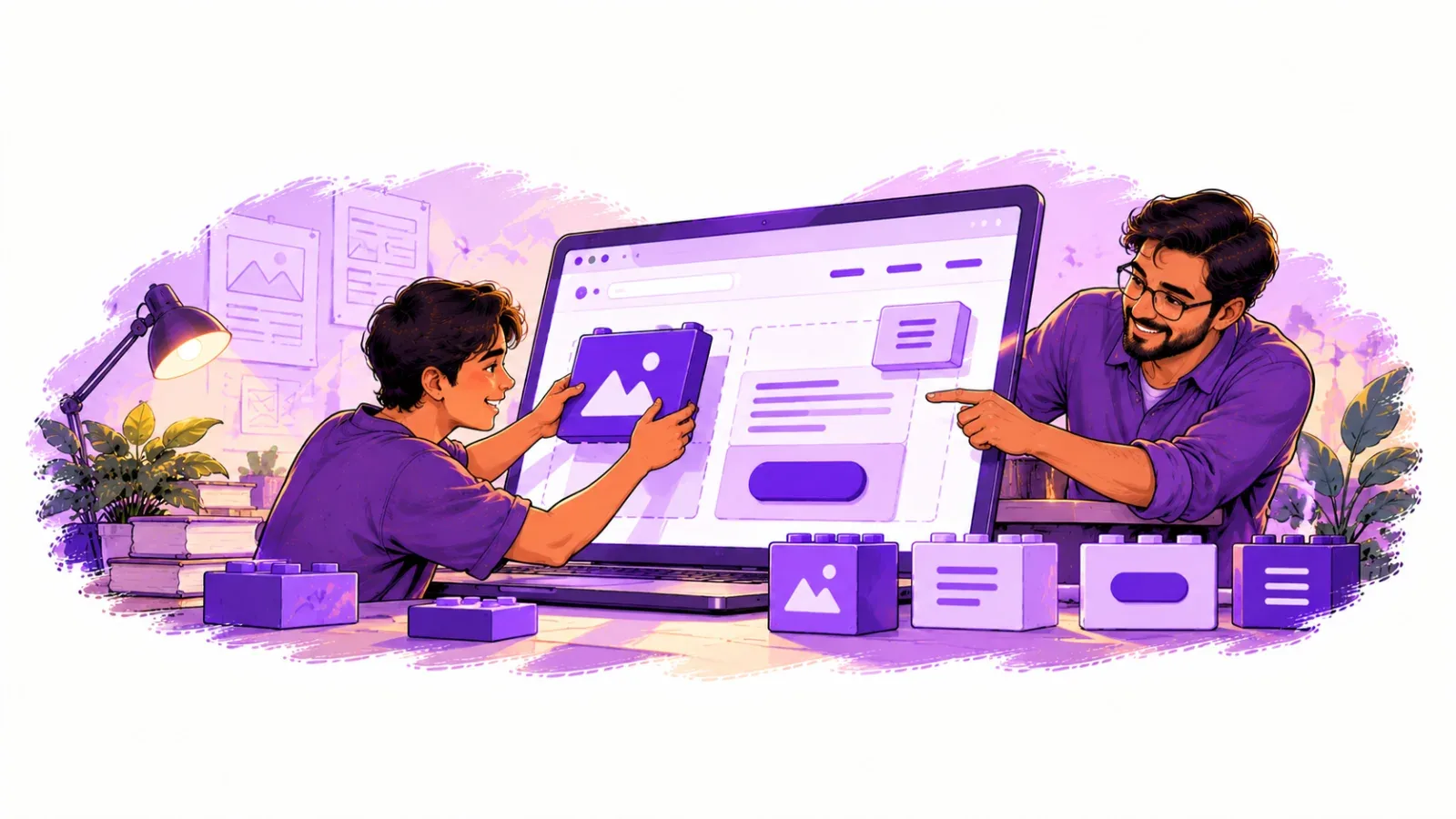
WordPress website development is one of the most popular ways to create professional websites without building everything from scratch. Whether you want to create a personal blog, business website, portfolio, or e-commerce store, WordPress provides flexible tools to bring your ideas to life. If you are new to WordPress website development, this guide walks you through each step in plain language.
Quick answer: WordPress website development means choosing a domain and hosting, installing WordPress, picking a theme, adding plugins and publishing your pages. A beginner can launch a simple site in a day and keep improving it over time.
Table of Contents
What Is WordPress?
WordPress is an open-source content management system (CMS) that allows users to create, manage, and publish website content easily. It powers different types of websites, including blogs, corporate websites, online stores, educational platforms, and news portals.
One of the biggest advantages of WordPress is its user-friendly dashboard. Users can publish posts, upload images, manage pages, and update website content without requiring advanced programming knowledge.
Benefits of Using WordPress
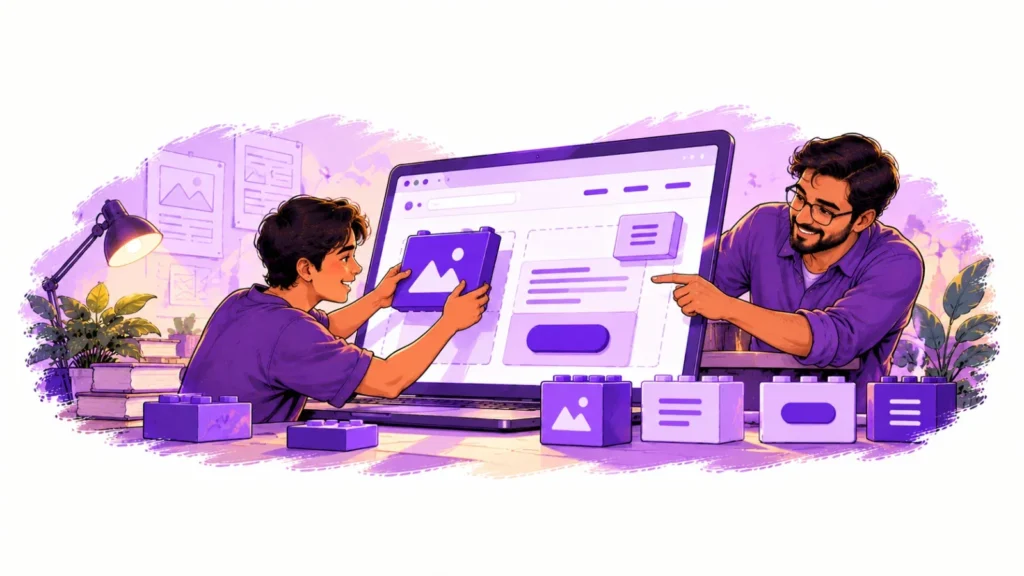
WordPress offers several benefits for individuals and businesses. First, it is open-source software, which means you can use and customize it according to your requirements. Second, thousands of themes are available to help you design attractive websites.
Plugins provide additional functionality, such as contact forms, search engine optimization, website security, caching, and e-commerce features. With WooCommerce, you can build an online store, manage products, configure shipping, and accept payments through supported payment gateways.
WordPress is also SEO-friendly when configured correctly. Features such as customizable URLs, headings, metadata, and SEO plugins help improve website visibility in search engines.
How to Create a WordPress Website
Creating a WordPress website involves several important steps. Begin by choosing a domain name and reliable web hosting. Next, install WordPress and select a suitable theme that matches your website’s purpose.
After installation, customize the website layout, colors, typography, navigation menu, header, and footer. Create essential pages such as Home, About Us, Services, Contact, and Privacy Policy.
You can then install the necessary plugins and publish useful content. Before launching the website, test its responsiveness, loading speed, contact forms, and navigation across desktop and mobile devices.
WordPress Development for Businesses
Businesses use WordPress to establish an online presence, showcase services, generate leads, and connect with customers. Developers can extend its capabilities using custom themes, plugins, PHP, JavaScript, HTML, CSS, and WordPress hooks.
For advanced projects, developers can also create custom post types, custom fields, REST API integrations, and dynamic website templates.
Common Mistakes Beginners Should Avoid
Most problems on new WordPress sites come from a few avoidable habits. Keep these in mind as you build:
- Installing too many plugins. Every plugin adds code. Use only what you truly need and delete the rest.
- Skipping updates. Outdated themes and plugins are the most common reason sites get hacked. Update regularly and keep backups.
- Choosing the cheapest hosting. Very cheap hosting often means a slow site, which hurts both visitors and Google rankings.
- Uploading huge images. Resize and compress photos before uploading them.
- Ignoring mobile users. Most visitors in India browse on phones, so always preview your pages on a mobile screen.
- Forgetting basic SEO. Write clear page titles, short descriptions and use headings properly so search engines understand your content.
Speed deserves special attention, so read our guide on website speed optimization once your site is live. If you would rather have experts handle the build, here is how to choose a website development company in Mathura that delivers a fast, secure and easy-to-manage site.
For deeper reading, the official WordPress documentation covers every feature in detail.
Conclusion: Start Your WordPress Website Development Journey
WordPress website development offers an effective solution for building websites that are flexible, customizable, and easy to manage. Beginners can start with themes and plugins, while experienced developers can build advanced solutions using custom code. With proper planning, security practices, regular updates, and quality content, WordPress can support a website’s long-term growth.